- K12 Unite School Tool – Online Rubrics
- K12 Unite School Tools
- K12 Unite School Tools – Class Planner
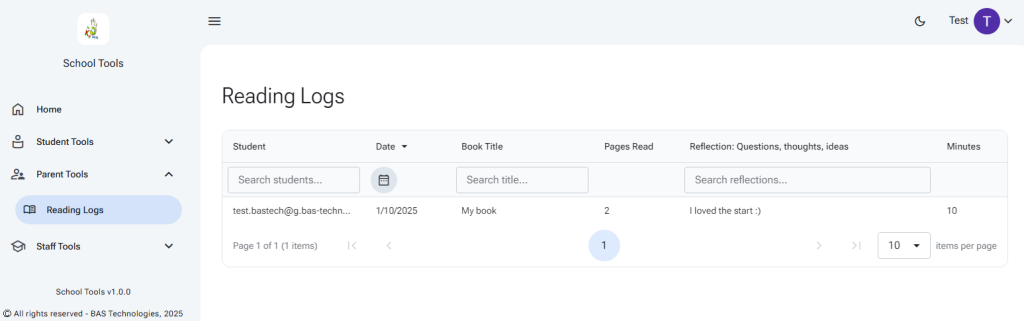
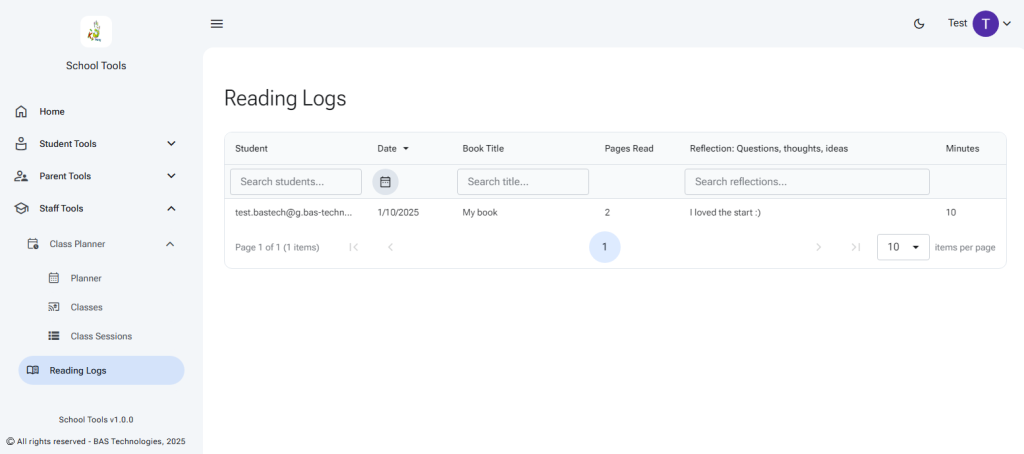
- K12 Unite School Tools – Reading Log Viewer
- K12 Unite School Tools – Student Reading Log
The reading log is for students to enter their reading achievements. It can be shared with parents, teachers, and other users.
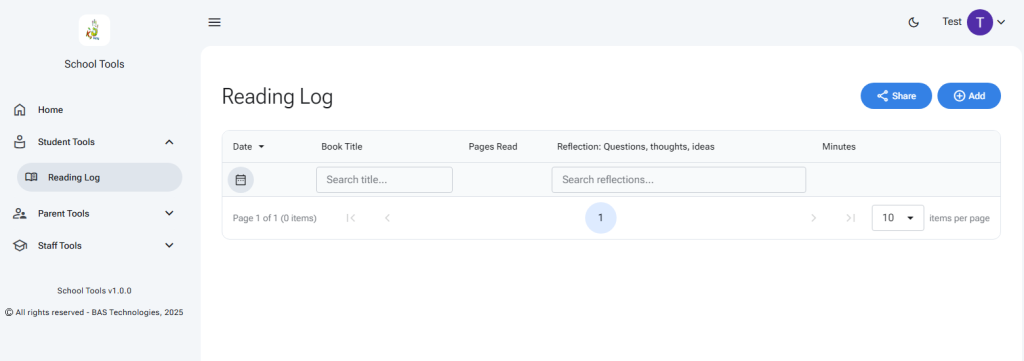
Select ‘Add’ in the Student Tools Reading Log page. A new line will be created, add your details and select the check button to save.
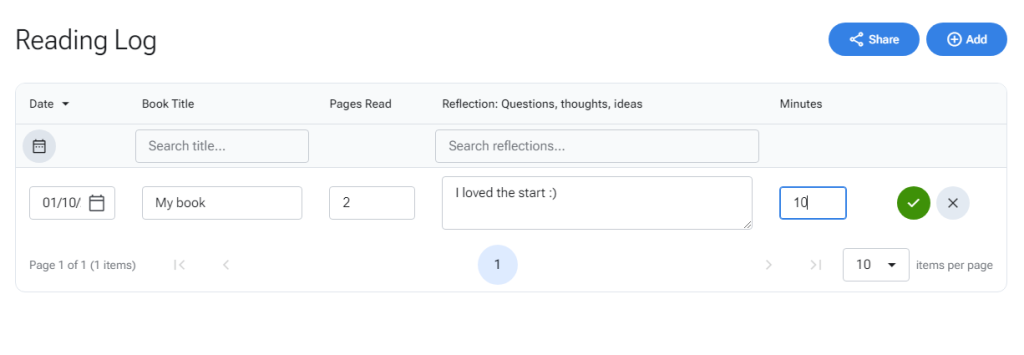
You can edit or delete existing records using the two buttons to the right of each row.

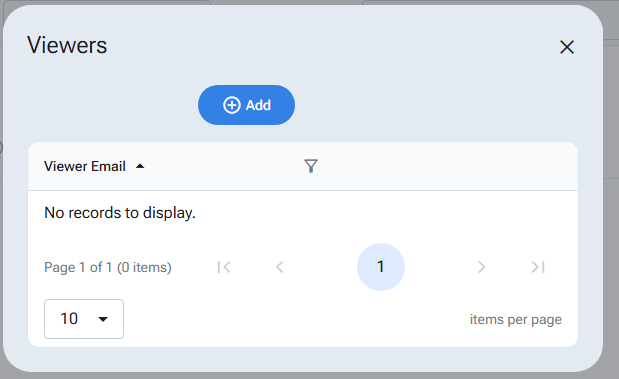
To allow other users to see your reading log, select the share button to bring up the viewers dialog. Here you will see existing user emails with access to your reading log. Select the ‘Add’ button to add new viewers.
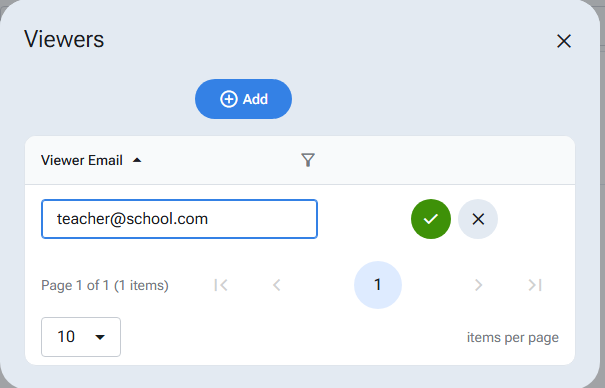
Enter a valid Google user account for the viewer and select the check button to save.
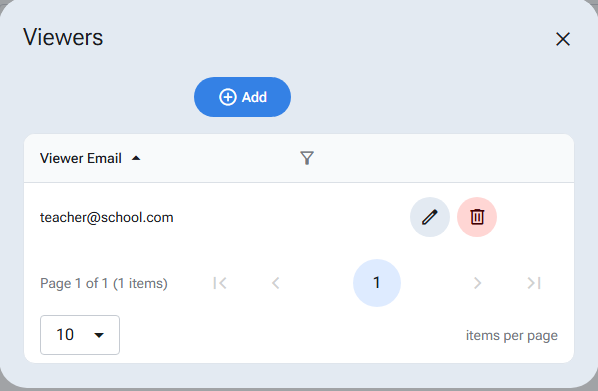
You may also edit and delete viewers in this window.
Let the viewer know that you have shared the reading log. They can view the log from the Parent Tools or Staff Tools menus.