
- K12 Unite School Tool – Online Rubrics
- K12 Unite School Tools
- K12 Unite School Tools – Class Planner
- K12 Unite School Tools – Reading Log Viewer
- K12 Unite School Tools – Student Reading Log
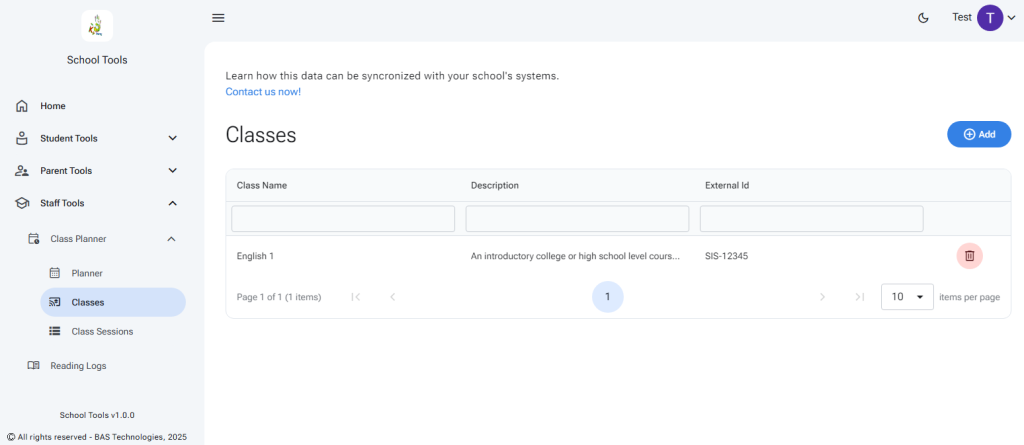
Expand Staff Tools and then Class Planner…
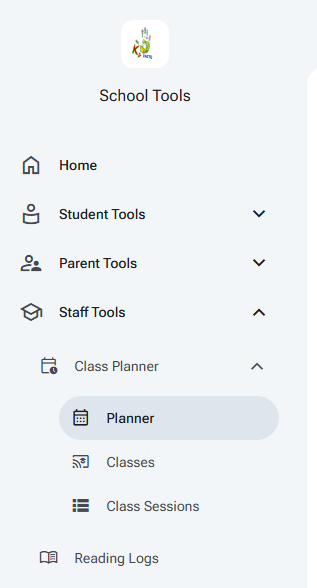
Select Planner…
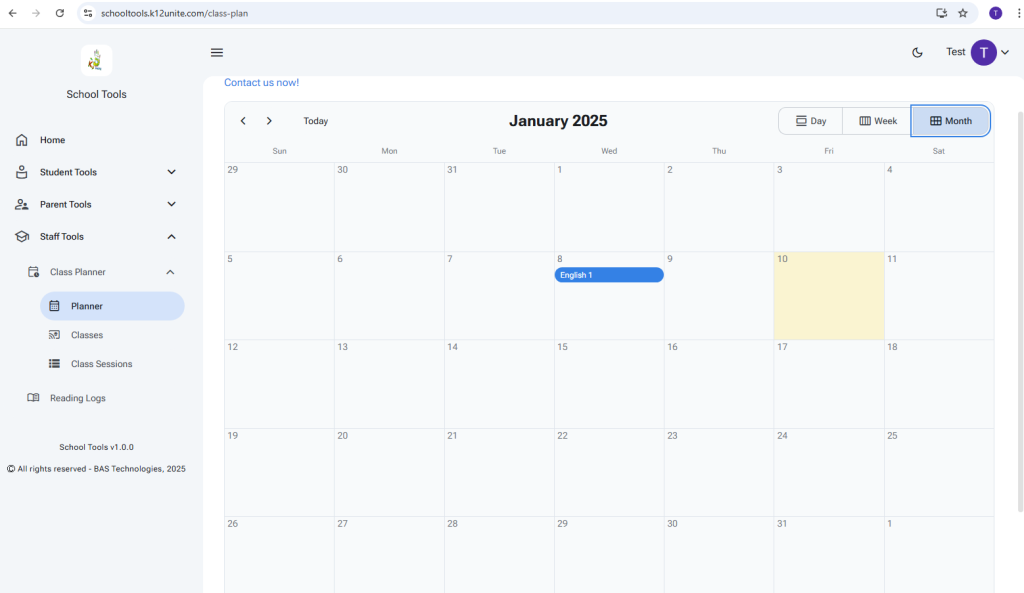
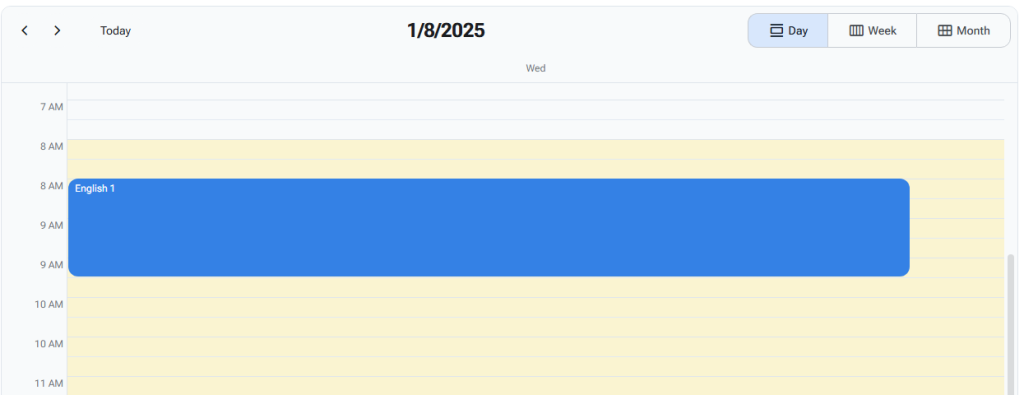
Switch between Month, Week, and Day views.
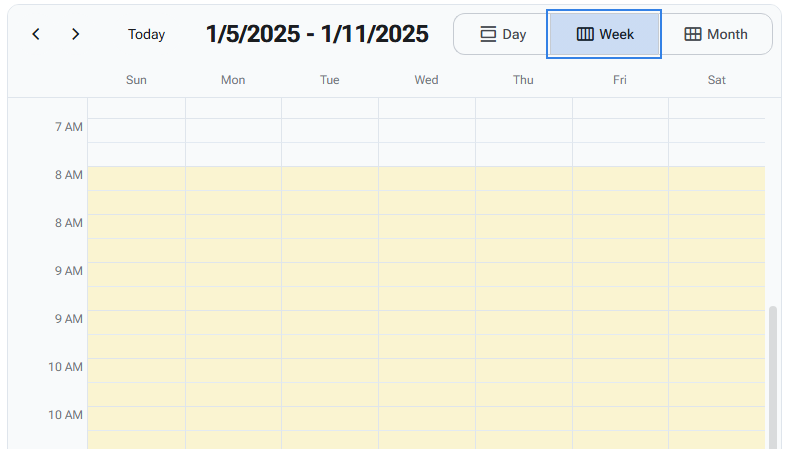
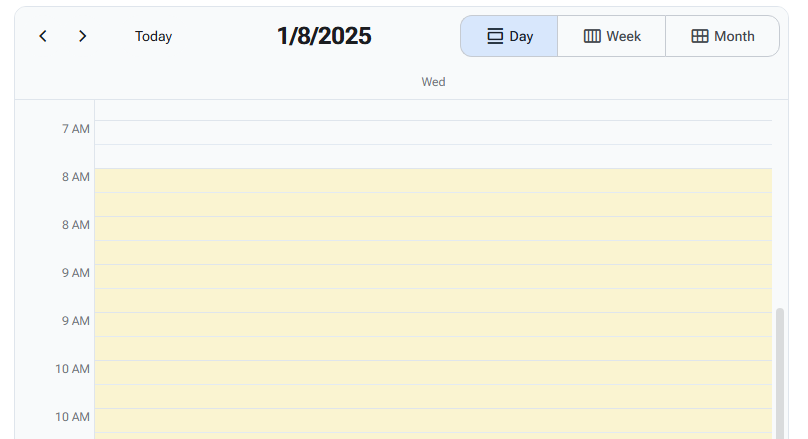
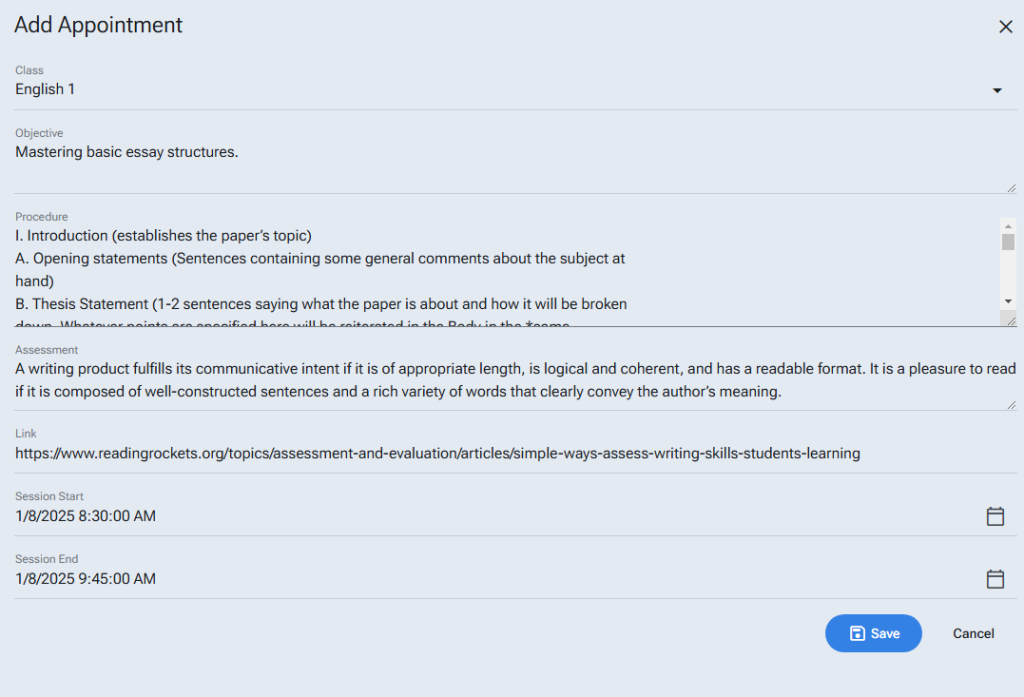
Click on an empty calendar slot to create a class session.
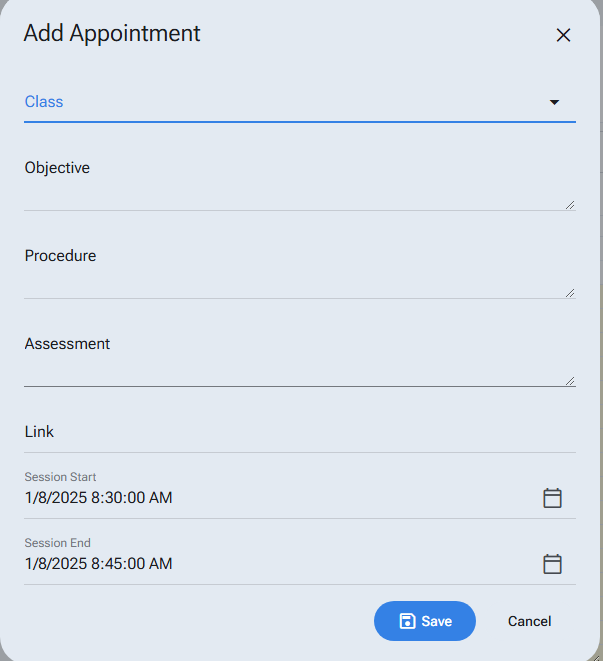
Select a class from the class drop-down or create a new class.
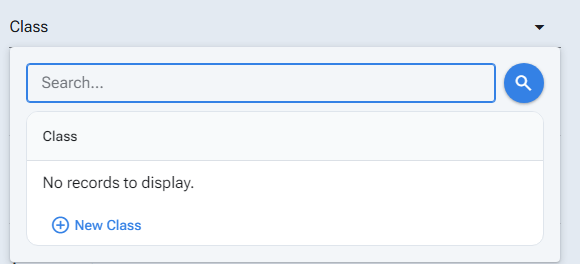
Creating a new class:
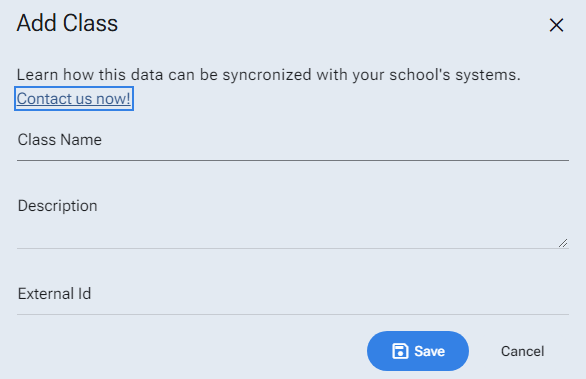
Use the bottom right corner to expand text areas by clicking and dragging.
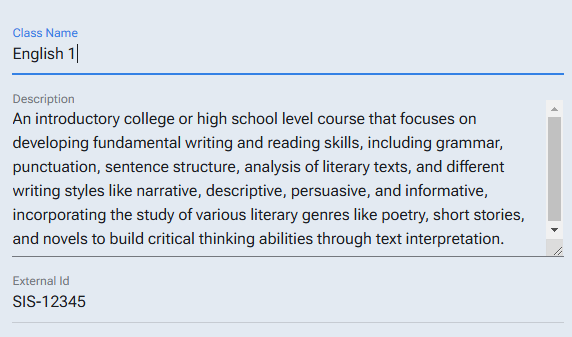
Finish your notes for the class session and save them.
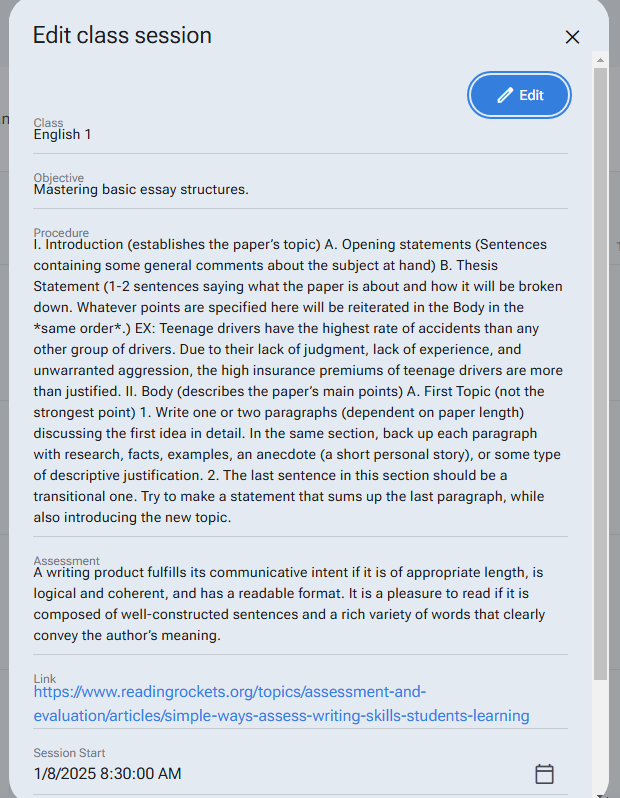
Review and edit the session by clicking on the event in the calendar.

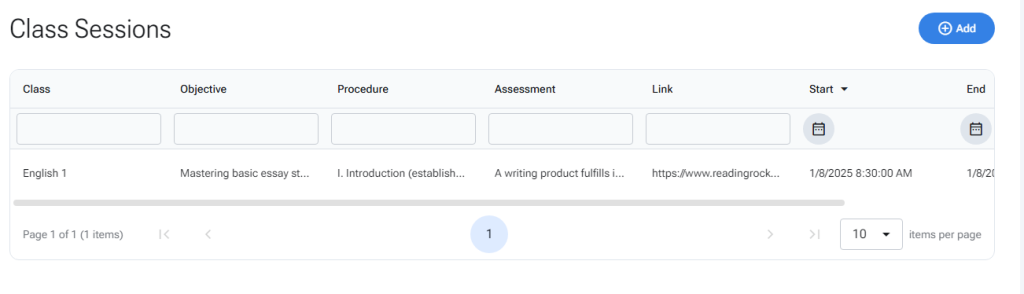
Add, review, edit, and delete classes or class sessions in the tabular views.
Please leave us feedback and feature requests in the link on the home page.